
Course Description
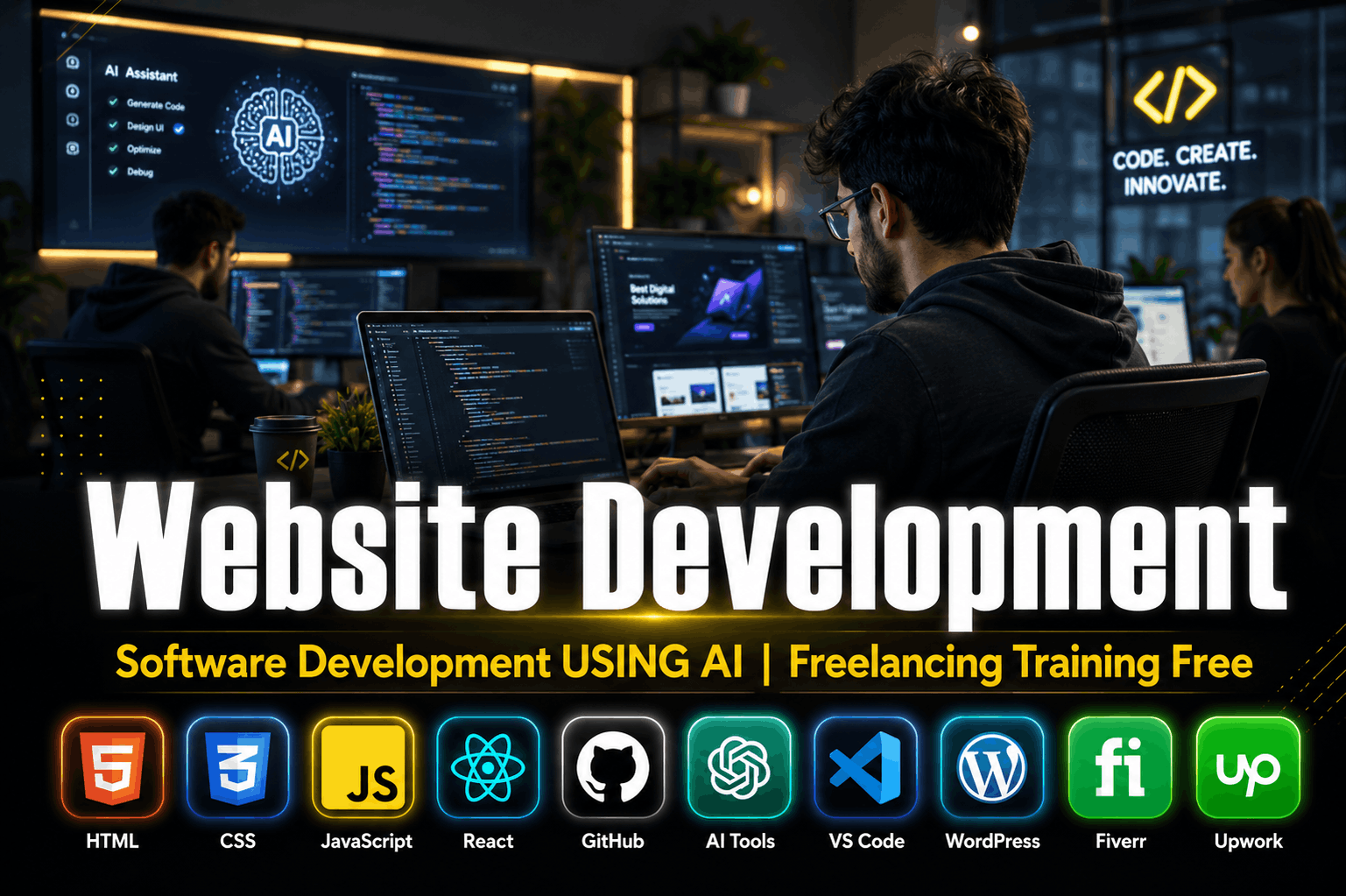
🌐 Website Development Using AI – Professional Freelancing Training
🚀 Master Website Development and Software Development with AI tools and start your freelancing journey with practical, industry-focused training. This course is designed for students, professionals, and beginners who want to build modern websites, create web applications, and earn online through freelancing platforms.
Through hands-on projects and AI-powered development techniques, students will learn how to design, develop, and deploy professional websites using the latest technologies and tools.
📚 Course Modules
🔹 Module 1: Introduction to Website Development
-
✅ Understanding Web Development Fundamentals
-
✅ Front-End vs Back-End Development
-
✅ Website Structure and Working Process
-
✅ Introduction to AI in Software Development
🔹 Module 2: HTML5 Essentials
-
🌐 Creating Web Page Structure
-
🌐 Forms, Tables, Lists, and Multimedia
-
🌐 Semantic HTML Elements
-
🌐 SEO-Friendly Web Structure
🔹 Module 3: CSS3 & Responsive Design
-
🎨 Colors, Typography, and Layouts
-
🎨 Flexbox and CSS Grid
-
🎨 Responsive Website Design
-
🎨 Animations and Effects
-
🎨 Mobile-Friendly Web Pages
🔹 Module 4: JavaScript Programming
-
⚡ Variables and Data Types
-
⚡ Functions and Events
-
⚡ Loops and Conditions
-
⚡ DOM Manipulation
-
⚡ Interactive Website Features
🔹 Module 5: React JS Development
-
⚛️ Components and Props
-
⚛️ State Management
-
⚛️ Hooks and Events
-
⚛️ Building Single Page Applications (SPA)
-
⚛️ API Integration
🔹 Module 6: WordPress Website Development
-
🖥️ Installing WordPress
-
🖥️ Themes and Plugins
-
🖥️ Creating Business Websites
-
🖥️ E-Commerce Website Development
-
🖥️ Website Customization
🔹 Module 7: AI Tools for Developers
-
🤖 ChatGPT for Coding Assistance
-
🤖 GitHub Copilot
-
🤖 AI Website Builders
-
🤖 Prompt Engineering for Developers
-
🤖 AI-Based Debugging and Optimization
🔹 Module 8: Git & GitHub
-
🐙 Version Control Fundamentals
-
🐙 Git Commands and Workflow
-
🐙 GitHub Repository Management
-
🐙 Project Collaboration
-
🐙 Code Deployment
🔹 Module 9: VS Code and Development Tools
-
💻 Visual Studio Code Setup
-
💻 Extensions and Productivity Tools
-
💻 Debugging Techniques
-
💻 Code Formatting and Best Practices
🔹 Module 10: Hosting & Deployment
-
☁️ Domain and Hosting Setup
-
☁️ Website Publishing
-
☁️ cPanel Basics
-
☁️ SSL and Security
-
☁️ Website Maintenance
🔹 Module 11: Freelancing Training
-
💼 Fiverr Profile Creation
-
💼 Upwork Account Setup
-
💼 Gig Creation and Optimization
-
💼 Proposal Writing
-
💼 Client Communication
-
💼 Order Management
-
💼 Building a Professional Portfolio
🔹 Module 12: Real-World Projects
-
🚀 Business Website Development
-
🚀 Portfolio Website Creation
-
🚀 Landing Pages and Blogs
-
🚀 AI-Assisted Web Applications
-
🚀 Final Project and Portfolio Development
🎯 Who Should Join?
👨🎓 Students
👨💼 Job Seekers
💻 Beginners in Web Development
📈 Freelancers and Entrepreneurs
🤖 Anyone Interested in AI-Powered Development
🌟 Course Features
✅ Practical Project-Based Learning
✅ Latest AI Tools Integration
✅ Professional Website Development Skills
✅ Freelancing Training Included
✅ Portfolio Development
✅ Certificate of Completion
✅ Lifetime Learning Support
✅ Internship & Career Guidance




 Students Feedback